

Higgsfield templates are one-click presets with the motion or the look already set; you add one input, usually your own photo. Higgsfield’s Apps page calls them “one-click AI effects” (higgsfield.ai/apps, crawled 2026-10-20). This hub maps what the catalog held on that date and gives the check we run before paying for any template. It is written for readers about to spend credits with their own photo.
What’s in the Higgsfield template catalog?
On 2026-10-20, Higgsfield templates sat on two catalog pages, Apps and Effects, plus the preset list inside Genjutsu (higgsfield.ai, crawled 2026-10-20). The Apps page sorts its tools into Professional, Enhance & Style, Face & Identity, Video Editing, Ads & Products, Games & Characters, Extras and Trending Templates. By their app cards, Shots turns one image into several shots and Angles 2.0 generates other angle views of it. Relight adjusts the lighting of a photo. Earth zoom lives in the separate effects catalog.
The site navigation lists studio tools apart from these pages: Marketing Studio, Canvas, AI Influencer and Ads Studio (crawled 2026-10-20). We have no guide for them as of 2026-10-21, and CapCut templates are not covered either. The platform as a whole is covered in what Higgsfield AI is.
A Genjutsu preset puts your image into a fixed driving video, either by copying its motion or by replacing one element. Higgsfield’s own Genjutsu “Trending” list had Parking Lot Recast, Rugside Outfit Swap, Chandelier Lounge Performance, Football Showstopper and Athlete Dance Swap as its top five on 2026-10-21 (Higgsfield catalog via MCP, read-only browse). This is a dated snapshot, not a live chart. The third is a Genjutsu preset we considered (Chandelier Lounge Performance); which social trend it reproduces is not verified as of 2026-10-21. We did not run it because its driving video shows real people; the check below gives the full reason.
Template guides: which one should you open first?
Pick the guide by the input you already hold; the table maps each input to one of our seven guides as of 2026-10-27.
What you have | Guide | What we tested |
|---|---|---|
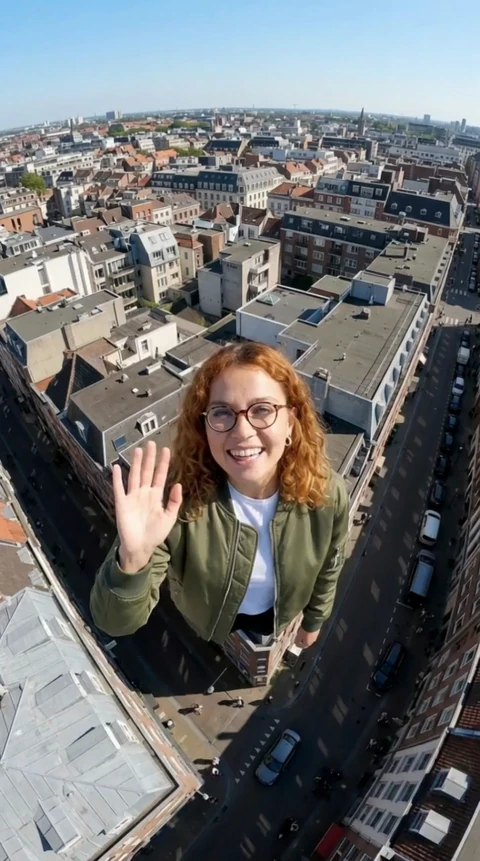
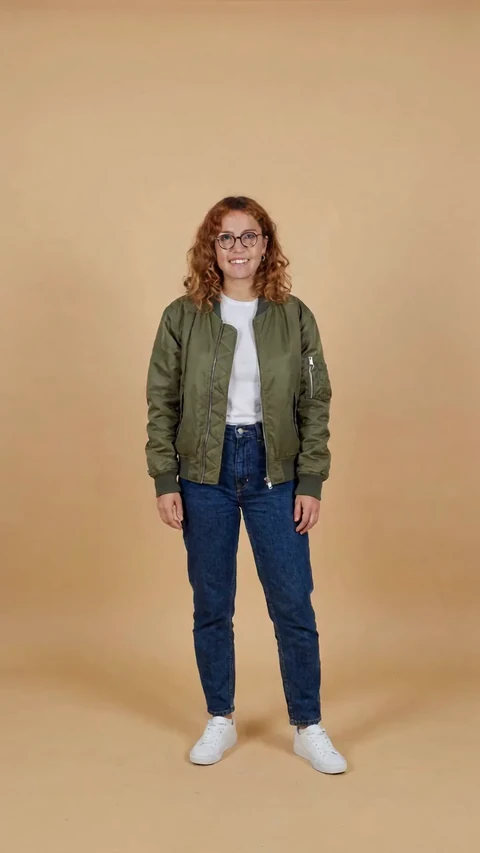
One photo, no video | Earth zoom out | the start frame (2026-10-21) and a Kling 3.0 clip from it, not the preset (2026-10-26) |
A photo plus a clip you hold the rights to | Motion control | the start frame and one Kling 3.0 Motion Control clip (2026-10-26) |
A photo and a trending Higgsfield preset in mind | Genjutsu | the preset check; we skipped the run |
A Seedance version in mind and a plan to check | Seedance | one Seedance 2.0 clip at 720p (2026-10-26); version and plan map from the pricing page |
One photo and an image model in mind | Nano Banana | one prompt at three settings: Nano Banana Pro at 1k and 4k, Nano Banana 2 at 1k (2026-10-26) |
A description of a person and a style preset in mind | Soul | 11 images: four presets on two prompts, two reference-image runs and one Soul Cinema run (2026-10-27) |
An idea that uses another person's face | Face swap, then the content policy | not tested |
Read the table this way: three of the seven guides show a clip we rendered on 2026-10-26, and the Earth zoom one is Kling 3.0, not the preset itself. Nano Banana and Soul are the two photo guides: Nano Banana with three images we made on 2026-10-26, Soul with eleven made on 2026-10-27. Every other video claim is marked “not tested”.
- Higgsfield AI Earth Zoom Out: start frame, steps and alternatives
- Higgsfield Face Swap: steps, the free daily limit and the consent rule
- Higgsfield Genjutsu: Trending presets and how to check one before you use it
- Higgsfield Seedance 2: which version your plan gets, what it costs, and Dreamina
- Higgsfield Soul 2.0 and Soul Cinema: 11 test images and what they cost
- Higgsfield motion control: what it costs and how to prepare the start frame
- Nano Banana on Higgsfield: one prompt, three settings, real sizes and charges
How do you check a template before paying?
Run four checks on the template’s preview before you spend credits, then read the quoted cost. They come from our Genjutsu preset check, which led us to skip a preset on 2026-10-21. They apply to any template built on someone else’s driving video.
- Real, identifiable people? If the preview shows real people, the output can carry their likenesses after your face goes in. Skip the template.
- Music or a recognizable performance? A commercial track or a known choreography can be someone else’s work. Strip the audio at minimum, or pick another template.
- Whose face goes in? Your own photo, or an adult who agreed. No celebrities, no strangers; our content policy has the full rule.
- What does the template keep? Motion and camera come from the preset. Whether the set stays is not tested, so assume it does; a new face does not fix a recognizable set or dance.
Chandelier Lounge Performance failed checks 1 and 2 on 2026-10-21, so we generated nothing and were charged no credits (our test log). Then check the price: Higgsfield’s help center says the exact cost is shown on the Generate button before you confirm (fetched 2026-10-21).
Which templates can you try for free?
None of the seven templates we cover has a free route we verified as of 2026-10-21. Higgsfield’s face swap page advertises free daily image swaps, yet its per-plan pricing table marks Face Swap “Not included” on Free (both crawled 2026-10-20). The same table leaves Seedance 2.0 and Kling Motion Control (2.6 and 3.0) out of the Free plan. The help center adds that there is no trial period (fetched 2026-10-21). The rest is on what Higgsfield’s Free plan includes.
Outside Higgsfield, Dreamina titles its earth zoom page “free” (dreamina.capcut.com, crawled 2026-10-20). Kling lists monthly free credits for non-subscribers without stating the amount (kling.ai FAQ, fetched 2026-10-21). We tested neither. Paying makes sense when you want one exact template with your own photo and the plan table includes it.
Disclosure: we may earn a commission if you subscribe through our Higgsfield link, marked “(commission link)”. It does not change what we test; details are in the affiliate disclosure.
The catalog opens from Higgsfield’s home page: Higgsfield (commission link).
Template, model or app?
Higgsfield’s pages use these words loosely (crawled 2026-10-20); this is how this site uses them.
Template or preset. A saved recipe that waits for one input. It holds a prompt and settings, and often a driving video. Higgsfield says “preset” in Genjutsu and “templates” on the Apps page. Earth zoom is filed under Effects; we treat it as a template too. Effects you can run in several tools, such as the AI polaroid, have their own pages under AI effects.
Model. The generator underneath, named with its version, such as Seedance 2.0 Fast or Kling 3.0 Motion Control (higgsfield.ai/pricing, crawled 2026-10-20). Pick a model when you want to write the prompt and settings yourself. Which model runs under a given template is not verified as of 2026-10-21. Our AI video tools list separates models from the apps and platforms that sell them.
App. Higgsfield’s name for a one-purpose tool page. Face Swap, for one, asks for two uploads and a click on Generate (higgsfield.ai/apps/face-swap, crawled 2026-10-20). We file apps under templates on this site.
Credits. Higgsfield’s currency for generations. Each generation costs credits by model, resolution and duration (help center, fetched 2026-10-21). This hub lists no credit prices; they live on credit prices per model.
Trend words, including the hot-to-dead status scale, belong to the AI photo trend radar.