

The 2026-10-21 snapshot in words
The newest trend on our board is Burning Bridges, an AI video trend (goenhance.ai and dreamina.capcut.com, crawled 2026-10-20). In our fetch of 2026-10-21 its status was peak: it stood at 51% of its own peak in the week of 2026-10-18. Its peak week was 2026-10-11 (Google Trends US via DataForSEO). Hotel lobby was fading at 5% of its peak in the same week, and the other three trends on the board were dead. The full board sits at the end of this page with its own week and fetch date, which can be newer than this text; this text explains how to read it.
How the status is computed: hot, peak, fading, dead
Method
Every trend gets one of four statuses from a fixed rule on weekly Google Trends US data. The examples on this page come from the fetch of 2026-10-21, with 2026-10-18 as the latest week. Dead is checked first: under 5% of the trend’s own peak for two weeks in a row. Hot means at least 50% and no lower than the week before, so a flat or rising curve counts. Peak means at least 25% when the hot test fails, so the curve is under 50% or falling. Fading means under 25%.
Each curve is scaled to its own 12-month maximum. 100 is that trend’s best week, not a global popularity score. A trend at 40% is not “bigger” than another trend at 30%. It is closer to its own top.
The rules produce edge cases, and we keep them. In that fetch Burning Bridges showed 51%, which clears the 50% line. The week before it read 100%, so the curve was falling and the status was peak, not hot. Hotel lobby read 7%, then 5% in its last two weeks. Neither is under 5%, so it was fading, not dead.
One limit applies to every row. The week of 2026-10-18 was still running when we fetched the data on 2026-10-21, so its value can change at the next fetch.
How long a trend lives
Four of the five trends on the board stayed at or above 25% of their peak for one or two weeks; Burning Bridges has 3 so far. Four of the five effects stayed there for 36 to 46 weeks, the AI action figure for 14. The counts cover 52 weekly points from 2025-10-26 to 2026-10-18 (Google Trends US via DataForSEO, fetched 2026-10-21).
Item | Kind | Weeks at or above 25% of peak (of 52) |
|---|---|---|
Ghostface 90s photo | trend | 1 |
Hotel lobby | trend | 2 |
AI caricature | trend | 2 |
Christmas candy cane | trend | 2 |
Burning Bridges | trend, still running | 3 so far |
AI action figure | effect | 14 |
AI dance video | effect | 36 |
AI polaroid | effect | 40 |
Anime film style | effect | 43 |
AI kissing video | effect | 46 |
Trends last weeks, while four of the five effects held on for most of the year.
A trend is one prompt or one template that spreads for a week or two. An effect is a lasting look or motion, such as a polaroid photo or a dance clip. A viral AI effect keeps getting searched and redone in new versions; our AI effects library covers them. The AI action figure sits in between: 14 weeks, then a tail at 3% of peak in the week of 2026-10-18.
A template is a preset inside an app that fixes the motion or the look, so you add only your photo. The template glossary separates a template from a model and an effect.
What app is everyone using?
No single app makes every trend on our board as of 2026-10-21. The caricature wave was a ChatGPT image trend. People pasted “Create a caricature of me and my job based on everything you know about me” (r/ChatGPT, 2026-02-07). In Google US results on 2026-10-20, candy cane posts on Instagram and Facebook share prompts for ChatGPT. Ghostface pages in the same results pitch it as a TikTok and Instagram trend made with Gemini.
A “Gemini photo trend” is named after the chatbot that runs the shared prompt. You paste that prompt into the app with your own photo. Hotel lobby differs: users on r/AI_Agents say it runs on a Higgsfield template (2026-09-25). We did not run that template, so it is not verified as of 2026-10-21. Which app makes Burning Bridges is also not verified as of 2026-10-21.
Why Google pages arrive after the peak
Search results for a trend fill up after its peak. Hotel lobby peaked in the week of 2026-09-20. The pages ranking for hotel lobby queries were dated from 2026-09-22 to 2026-10-17 (Google US results on 2026-10-20). A Kapwing tutorial on the trend is dated 2026-09-29, nine days after the peak (kapwing.com, crawled 2026-10-20). In those results, the slots went to pages published within four weeks of the peak.
Later the results can freeze. For “ai caricature trend”, the dated results were still news pieces from 2026-02-04 to 2026-02-19. That is eight months after the 2026-02-01 peak (Google US results on 2026-10-20).
This has two consequences for you. If you want views on a TikTok AI trend, post while it is hot or at peak. Post on social first. Search pages started ranking only after the hotel lobby peak, so search traffic is the tail. If you want search traffic, an early page can hold the archive slot for months, as the February caricature results show.
Seasonal trends come back
We expect holiday trends to return with the holiday. The board stores a return month for them, taken from the month of their last peak: 12 for the Christmas candy cane trend, 11 for Ghostface (Google Trends US, fetched 2026-10-21). The candy cane curve sits at 0% in the week of 2026-10-18. It peaked in the week of 2025-12-21, one week after a 65% week.
So we keep one URL with no year in it per seasonal trend and update it each season. We do not publish a new page every year. Dead does not mean deleted. A dead trend page stays as the archive answer to “is it still alive”, and the board names the month we expect it back.
Trend pages
Four of the five trends on the board have their own page, listed below.
- AI Caricature Trend: The Feb 2026 Prompt, Tested
- AI Christmas Photo Trend: The Candy Cane Prompt
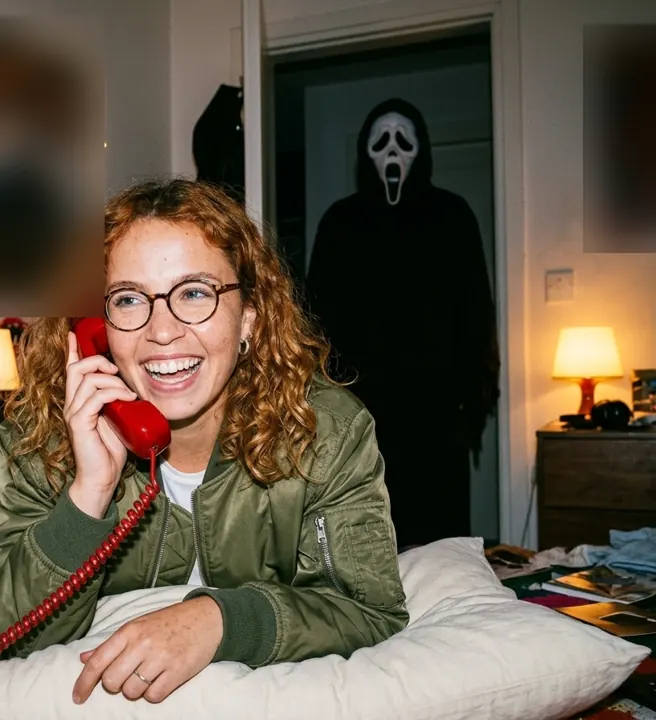
- Ghostface AI Trend: The Costume Prompt, Tested
- Hotel Lobby AI Trend
Burning Bridges is the only trend without a page, and it is not tested as of 2026-10-21. A trend page needs our own run or a logged reason for skipping it, as on the hotel lobby page. Without one we would have to guess the prompt and the credits.
What to do with a trend status
The trend status tells you how much of the wave is left as of the board’s latest week, which the board names with its fetch date. Hot or peak: make your version this week and post it on social first. Fading: the wave has passed, so expect fewer views, though tutorials still get found in search. Dead: skip it unless the board lists a return month.