

In this guide 9 sections
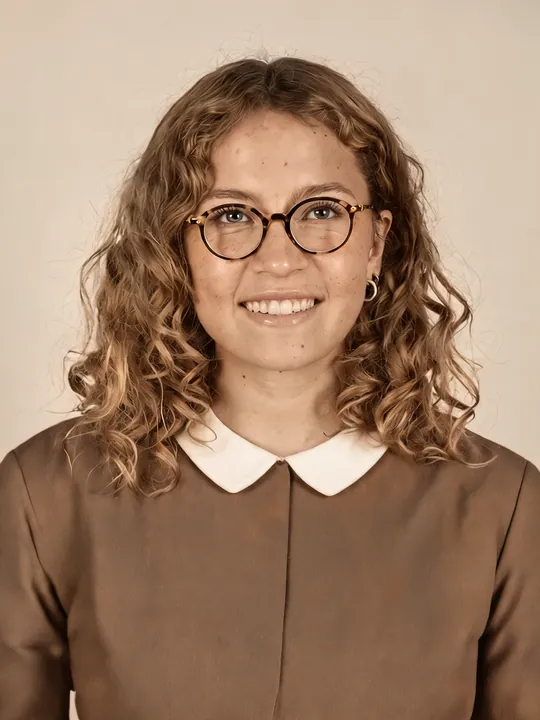
On 2026-10-27 we restored one synthetic damaged portrait with the same community prompt on three image models via Higgsfield, one try each. Seedream 5.0 Lite (1 credit) kept the face closest to the input. Nano Banana Pro (2 credits) changed and beautified the face and made the photo look modern. GPT Image 2 (0.5 credits) drifted a little and returned the lowest resolution. We judged face match by eye, with no matching tool, and one run per model is a sample, not a ranking.
Part of the AI effects library.
Can AI restore an old photo without changing the face? (tested 2026-10-27)
Yes for scratches, folds and a torn corner: on 2026-10-27 all three models removed every defect. Not reliably for the face: by eye, 1 of 3 models kept it. Reddit users report “Keeps changing the facial features” and “this one looks overly smooth”; our outputs showed both on at least one model.
Our input was not a real family photo. It was a synthetic “old photo” that we generated with Seedream 5.0 Lite (1 credit) from our fictional, AI-generated adult test character: sepia tone, fine scratches, a fold line under the chin, cracks and a torn corner. We did this for privacy: no real person’s face went into a third-party tool, and the image is ours to publish.
Same damaged photo, three models
All runs on 2026-10-27 used a Higgsfield Plus-plan account and a 3:4 frame. The input was the damaged-photo job itself; the test character’s original reference was not given to the restore models. Each charge matched its quote; no run failed. The job record lists our Nano Banana Pro run as nano_banana_2; the billing line reads “Nano Banana Pro”. We report both and draw no conclusion.
Model (via Higgsfield) | Credits | Tries | What we saw, by eye |
|---|---|---|---|
Nano Banana Pro, 1k | 2 | 1 | Damage gone. Face changed and beautified: slimmer, smoother, younger-looking, smaller smile, lighter skin, green-gray eyes. Burgundy blouse (invented color), cool gray studio backdrop: a modern-looking photo. 896×1200 |
Seedream 5.0 Lite | 1 | 1 | Damage gone. Face closest to the input: same width, smile, chin mole. Warm sepia-like tone kept. Glossy skin, light orange cast, faint stray hairs. 1728×2304 |
GPT Image 2, 1k, low | 0.5 | 1 | Damage gone. Muted color, grain kept. Face a little narrower, smile tighter, skin slightly smoothed: mild drift, still recognizable. 880×1168, the lowest resolution |
The three restores cost 3.5 credits (2 + 1 + 0.5); the damaged input cost 1 more. The prompt asked for “historical accuracy and realism over beautification”, yet only Seedream 5.0 Lite still looked like an old portrait. Nano Banana Pro matched both community complaints at once: a changed face and smoothed skin.
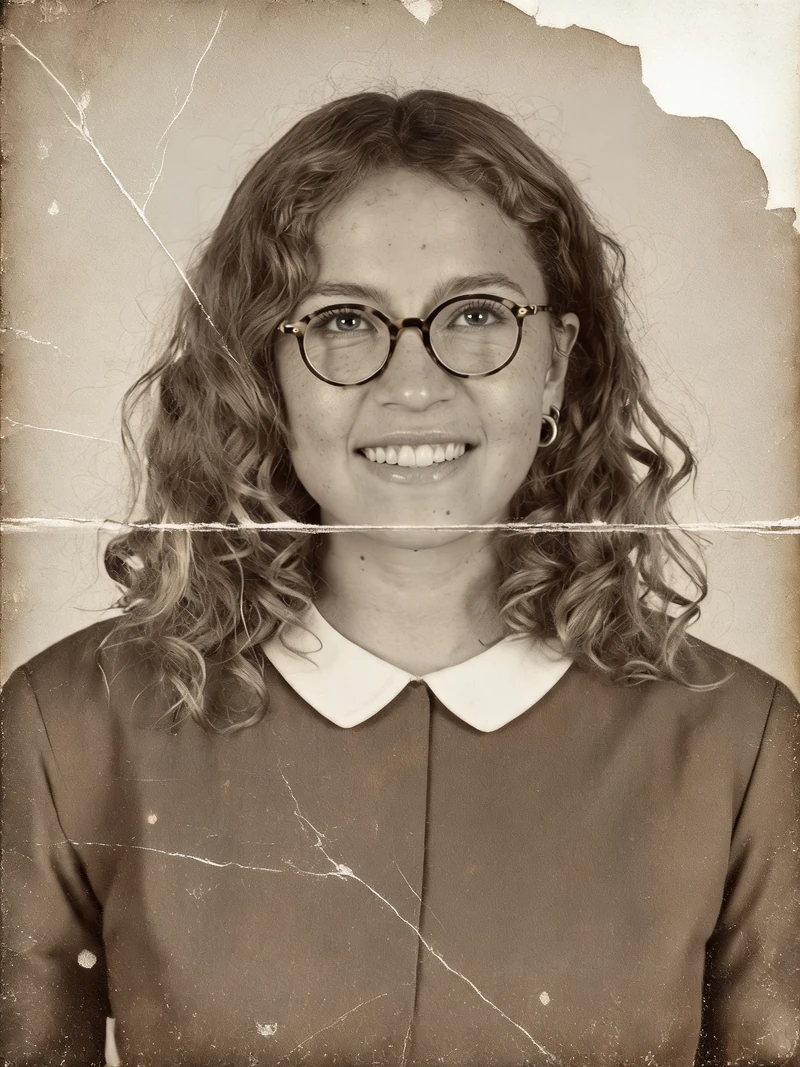



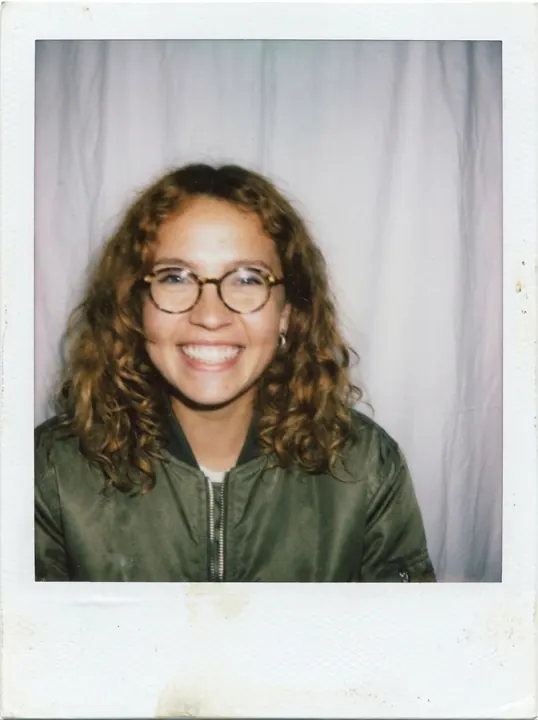
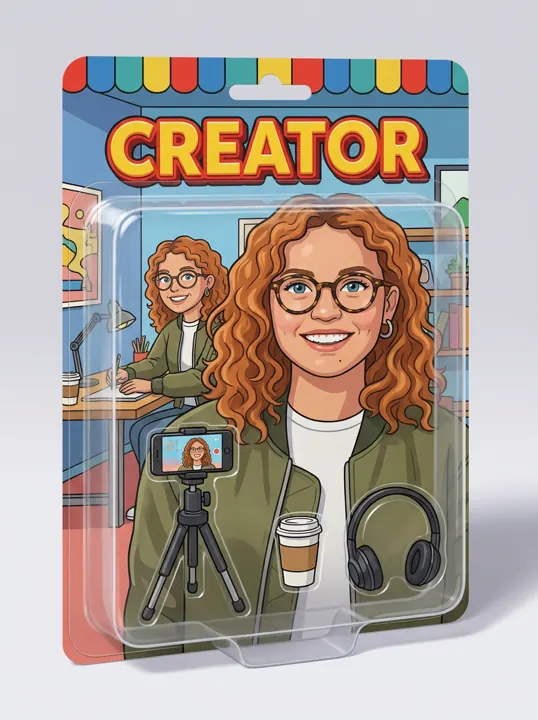
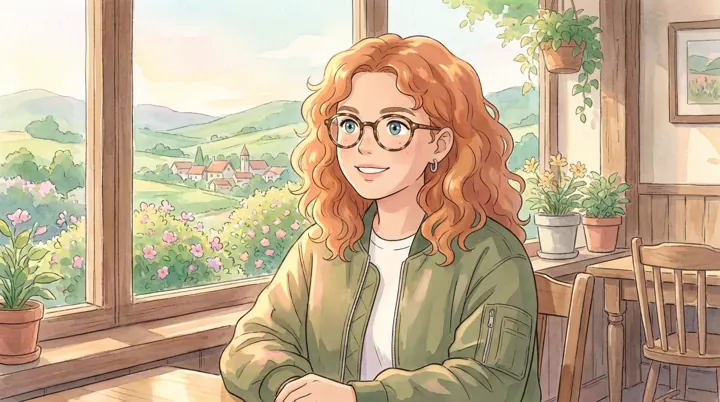
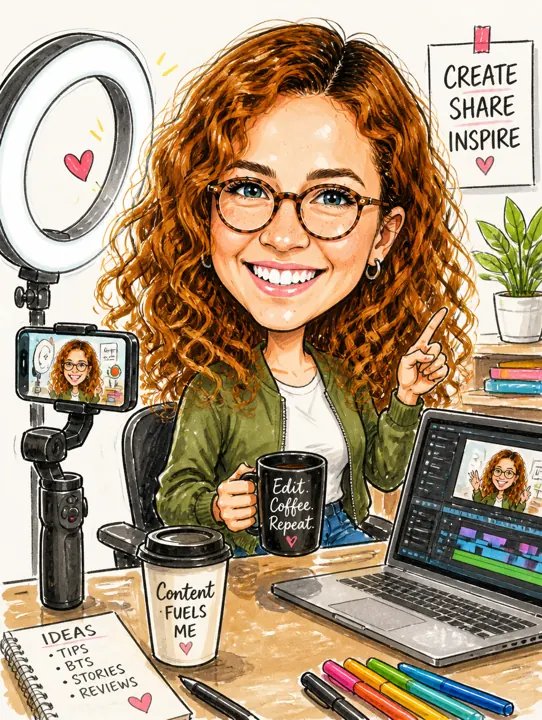
Captions: the first image is our synthetic AI-generated input, not a real family photo. The other three are AI-generated test images of our fictional test character, via Higgsfield, 2026-10-27, one try each.
The keep-the-face restore prompt we tested
This is the exact prompt we sent to all three models on 2026-10-27. It comes from a community post on r/GeminiAI (quote I#211 in our audience research), pasted verbatim, including the missing final period.
Tested prompt
The same text as in the recipe card above. Copy it from the card
The prompt kept the face on 1 of 3 models in our run. The same words gave three different faces, so judge the output, not the wording. If the face moved, try the same prompt on another model; we did not test reworded versions. We have not run it in Gemini or ChatGPT: not tested. For styled portraits from a reference photo, see AI yearbook and AI polaroid.
Colorize, repair, or animate: which to pick
Repair first: on 2026-10-27 it worked on all three models, so a free app that can repair scratches may be enough (not tested). Color was the risky step: Nano Banana Pro invented a burgundy blouse and green-gray eyes. Any color added to a sepia or black-and-white print is a guess; treat it as a style choice, not a record.
Animation, the way to bring old photos to life, moves furthest from the original. We animated the Seedream 5.0 Lite restore: closest face, highest resolution (1728×2304). We requested Kling 2.5 Turbo, but it is not in the Higgsfield MCP catalog, so the clip ran on Kling 2.6: 5 s, no sound, 5 credits, one try. The prompt asked for a blink, a slightly wider smile and a head tilt.
What we saw, by eye: the head tilted and a few curls moved. From about 1 s the open smile closed, the opposite of “widens a little”. The glasses rim smeared during the blink at about 4.65 s. Our 9:16 request was ignored: the output followed the 3:4 start frame at 1244×1660. Apart from the mouth, the face held. The whole set cost 9.5 credits.
Free old-photo apps: what vendors state, limits not verified
We ran none of the apps below; everything here is vendor-stated and checked 2026-10-27. Any of them may alter facial features: not tested.
- Remini: the US App Store lists it as Free with in-app purchases. The purchase list names Remini Pro Weekly at $9.99, Remini Lite Weekly at $4.99 to $7.99 and a 1 Month item at $9.99; subscriptions auto-renew (US App Store listing, checked 2026-10-27). The description lists “Repair old/blurry/scratched photo”. Free-tier limits: not verified as of 2026-10-27.
- Google Photos: its edit help page lists Unblur, Magic Eraser and Best Take under Actions, plus an Ask tool for typed edits (checked 2026-10-27). It does not mention scratch repair or colorizing. Full old-photo restore: not verified as of 2026-10-27.
- Dreamina: its photo restoration page says the tool is free to use with daily free credits, with no amount given (checked 2026-10-27). The same page says its Intelligent Retouch applies skin smoothing, the step our prompt asks to avoid.
- Adobe Firefly: its photo restoration page says a free Adobe account gets free daily generations, with no number given, and downloads up to 2000×2000 pixels (checked 2026-10-27).
- Canva and MyHeritage: Canva’s page returned an access error; MyHeritage’s Photo Enhancer showed no readable price or limits. Both: not verified as of 2026-10-27.
What Higgsfield gives free is on our free-plan page. Paying makes sense when you want several tries across models at 0.5 to 2 credits each (our charges, 2026-10-27).
Our tests ran on Higgsfield. We may earn a commission if you subscribe through the link below; it does not change what we test. Details are in our affiliate disclosure. Open Higgsfield (commission link).
Is it safe to upload an old family photo?
Read the policy before you upload. What we read on 2026-10-27:
- Remini (privacy policy, last updated 2026-09-21): photos you upload to enhance, and the results, are deleted after 1 day; face data used for the enhancement is deleted at once. Uploads for AI image generation are kept up to 20 days with a subscription and up to 7 days without, counted from your last use of that feature. Images are not used to train its AI unless you explicitly opt in. Its AI providers, Black Forest Labs, Google and OpenAI, process images and face data.
- Higgsfield (privacy policy, last updated 2026-07-26): biometric data from your face is not stored; it is deleted right after processing. Content you remove may stay on its active servers for 30 days, with copies in backups after that. The policy lets Higgsfield train its AI models on your uploads and results. Deleting content stops that going forward, but not for models already trained.
- Adobe Firefly: the restoration page says Adobe does not train its AI models on your personal content. Retention: not verified as of 2026-10-27.
- Gemini, ChatGPT, Google Photos, Dreamina, Canva, MyHeritage: retention not verified as of 2026-10-27.
Restoring a real person’s photo
A restored file is a new picture, not the original. The model redraws the face from the pixels it receives; in our test one model slimmed the face, smoothed the skin and added colors the print never had. Keep the original print where it is and its scan unchanged, and save each restore as a separate, labeled copy. Use your own family photo, or one whose owner agreed (content policy). If you share an animated version with family, say that it is AI-generated. We did not restore or animate a real person’s photo for this page.
For a hug clip made from a photo of someone who has died, read the memorial notes in our AI hug video guide first.
Quick answers
Can ChatGPT restore an old photo?
Not tested: we ran the prompt only on Nano Banana Pro, Seedream 5.0 Lite and GPT Image 2 via Higgsfield. ChatGPT’s upload retention is not verified as of 2026-10-27.
Can AI animate an old photo?
Yes. Kling 2.6 animated our restored synthetic frame for 5 credits on 2026-10-27; the open smile closed and the glasses rim smeared during a blink.
Sources checked
- Our test: How we test and the fictional test character. Runs H9-dmg, H9-a, H9-b, H9-c, H9-anim, 2026-10-27, Higgsfield Plus account via Higgsfield MCP. Total 9.5 credits = 1 + 2 + 1 + 0.5 + 5. Face match judged by eye. Community prompt and complaints (I#211, I#229, I#213): user reports on Reddit, from our audience research.
- Apple App Store (US), Remini — AI Photo Enhancer, version 2.10.221: checked 2026-10-27.
- Bending Spoons, Remini privacy policy: updated 2026-09-21; checked 2026-10-27.
- Higgsfield, privacy policy: updated 2026-07-26; checked 2026-10-27.
- Google, Edit your photos — Android: checked 2026-10-27.
- Dreamina, AI photo restoration: checked 2026-10-27.
- Adobe, Firefly AI photo restoration: checked 2026-10-27.
- Canva photo restoration (access error) and MyHeritage Photo Enhancer (no readable terms): 2026-10-27.
- Search results: our Google US snapshots for “ai restore old photo” and “ai restore old photo free”, 2026-10-20.